Why Excel Breaks at 500+ SKUs
Spreadsheets work until ~500 SKUs, a second warehouse, or concurrent edits. Why inventory Excel files fail, and what to use instead.
Spreadsheets are a great way to start tracking inventory. One workbook, a few formulas, and you can see what you have. Plenty of distributors and manufacturers I talk to ran that way for years.
Then the catalog crosses a few hundred SKUs. A second warehouse shows up. Someone starts adjusting stock from their phone while someone else is mid-count. That is usually when Excel stops being a tool and starts being a liability.
Spreadsheets work until they don't
Nothing in this piece is an attack on Excel or Google Sheets. They are excellent for analysis, one-off reports, and early-stage catalogs. The problem is using a single-user calculation tool as the system of record for stock that money and customers depend on.
Around a few hundred SKUs — often closer to 500 when you add locations, kits, or lot numbers — the workbook starts carrying work it was never designed for:
- Concurrent edits from purchasing, warehouse, and sales
- Partial receipts and stock in transit
- Quantity reserved for one customer while another asks "do we have it?"
- Stock value that has to match QuickBooks or Xero
Each of those needs rules, permissions, and an audit trail. A shared file gives you none of that by default.
Why so many inventory spreadsheets are wrong
You will see the claim that most spreadsheets contain errors. Decades of research on spreadsheet error rates (often associated with Ray Panko's work) finds that a large share of operational workbooks have at least one material mistake. Inventory files are not special. They are worse, because a wrong cell becomes a wrong purchase order or a missed shipment.
The failure modes look ordinary until they stack:
Data entry mistakes
A typo in a quantity, a transposed SKU, a paste that overwrites last week's count. Manual entry is human. At 50 products one person can catch most of it. At 500 SKUs across two sites, they cannot.
Version control chaos
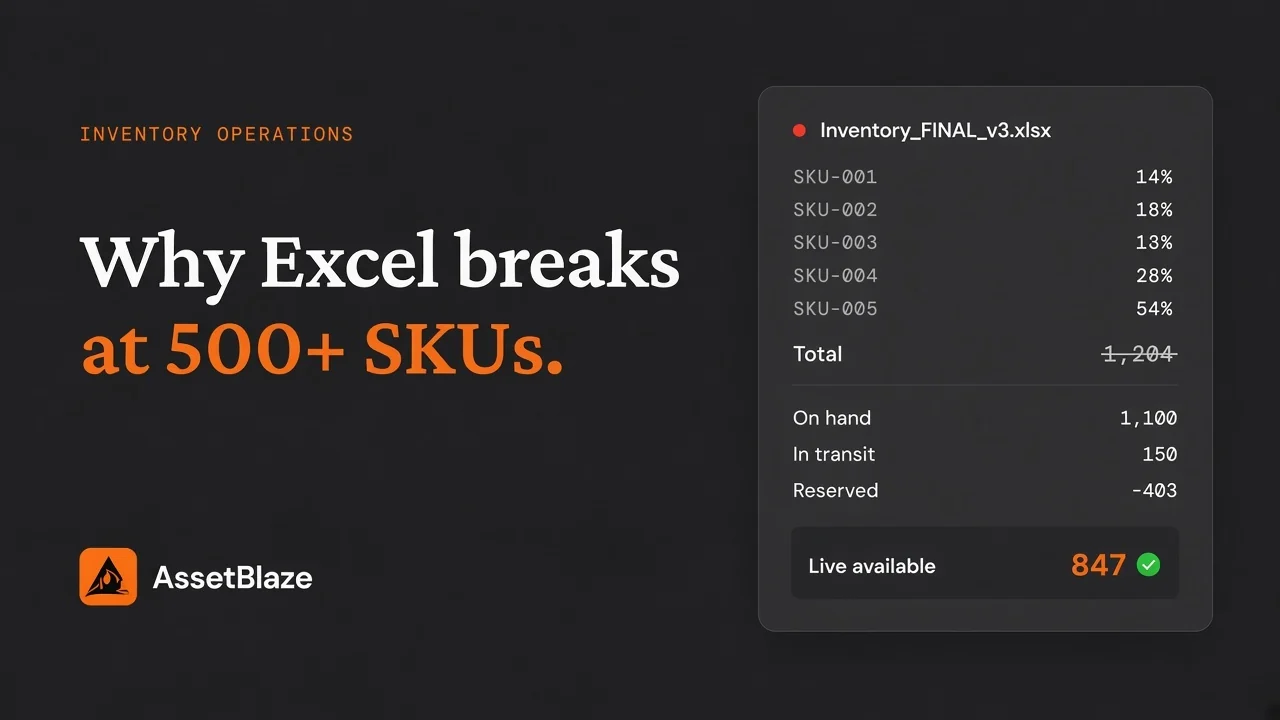
`Inventory_FINAL_v3_REAL.xlsx` is a punchline because it is real. Two people open copies. One updates receipts. The other updates sales. The "current" file is whichever was emailed last. Nobody knows which numbers the buyer used that morning.
Formula and format drift
One column is text, another is numbers. A VLOOKUP points at the wrong range after someone inserted a row. A SUM misses a new location sheet. The dashboard looks fine. The underlying math is not.
No real-time picture
Spreadsheets update when someone opens them and types. They do not update when a pallet hits the dock or a sales order reserves stock. Decisions get made on stale totals, then the customer call arrives.
What breaks specifically for inventory
Generic spreadsheet risk is annoying. Inventory risk is cash and reputation.
Partial receipts and open POs. Half the order arrived; the rest is due next month. A cell that only holds "quantity on hand" cannot express that cleanly without extra sheets nobody maintains.
Transfers in transit. Stock left warehouse A and has not been counted into warehouse B. A single on-hand column either double-counts, under-counts, or needs a manual "in transit" tab that people forget.
Simultaneous adjustments. Two people change the same SKU. Last save wins. No merge, no conflict warning that matches how a warehouse actually works.
Lots, batches, and recalls. When you need every unit that shipped from one batch today, a flat SKU × qty grid is the wrong shape. You need lot or batch tracking with history, not another column someone might skip.
Barcode reality. Scanning into a sheet is possible. Scanning into a system that validates the SKU, location, and lot — and writes an audit event — is why warehouses stop fighting the keyboard.
Accounting match. Finance needs stock value to reconcile with QuickBooks or Xero. Shadow spreadsheets drift from the ledger until month-end becomes archaeology.
Multi-site visibility. Head office in one language or currency, warehouse in another, and nobody sharing one live quantity by location. Spreadsheets were never built for that as a product.
Security and access are afterthoughts
Inventory files hold supplier costs, customer allocations, and sometimes serials. Emailing the workbook or parking it in a shared drive with "anyone with the link" is common and fragile. Proper inventory software gives role-based access, SSO where you need it, and a trail of who changed what. Spreadsheets can be locked down carefully. Most operational ones are not.
The hidden cost is time
Hours go into updating cells, chasing which file is current, and rebuilding reports for Monday's meeting. People duplicate work because they cannot see what a colleague already entered. That labor does not show up as a software line item. It shows up as late orders and overtime.
If you want a quick read on where you sit, take our free Inventory Maturity Scorecard — ten questions, a few minutes, a score plus an estimate of what manual tracking is costing you and three recommendations.
When a spreadsheet is still fine
Honestly: sometimes it is. If you have a small catalog, one location, one person updating stock, and light order volume, a well-kept sheet can be enough — the same way it is enough for many service businesses that barely hold stock.
It stops being enough when several of these show up together:
- More than one location, or stock moving between them
- More than a few people touching quantities
- Purchase orders and sales orders that must reserve or deplete stock
- Batch, lot, or serial numbers you need to trace
- Barcode receiving or picking on the floor
- Kits or assemblies, WIP, or expiry dates that matter for what you sell
- Stock value that has to match your accounting system every month
At that point you are not "keeping a list." You are running a system. The useful question is who owns fixing it at 6pm on a Friday when the counts do not match.
What to use instead
You do not need a heavyweight ERP to leave Excel. Most mid-sized distributors and manufacturers we work with keep QuickBooks or Xero for the books and put inventory in a dedicated layer that is the live source of truth: locations, lots and batches, barcodes, kits, multi-site stock, and a clear handoff to accounting.
That is what we built AssetBlaze to do. Real-time quantities, rules and permissions instead of hope, and AI that works against structured inventory data — drafts and suggestions, not silent overwrites — so a wrong "fluent" answer does not ship.
Start with one clear next step
Pick the failure that hurts most this week — wrong on-hand, missing lot history, or a month-end that never ties out — and fix that path first. Give ownership to the person the warehouse already listens to. Tools stick when adoption is local and specific, not when everyone gets a new login on Monday with no problem attached.
If the spreadsheet (or the tracker someone built "just for now") is costing more than it saves, try AssetBlaze free, or start with the scorecard if you want a diagnosis before you change systems.