

The inventory add-on for QuickBooks Online and Xero
Keep QuickBooks Online or Xero for your books, and run stock, purchase orders, sales orders and manufacturing in AssetBlaze. Records go to your books, and invoice payments come back.
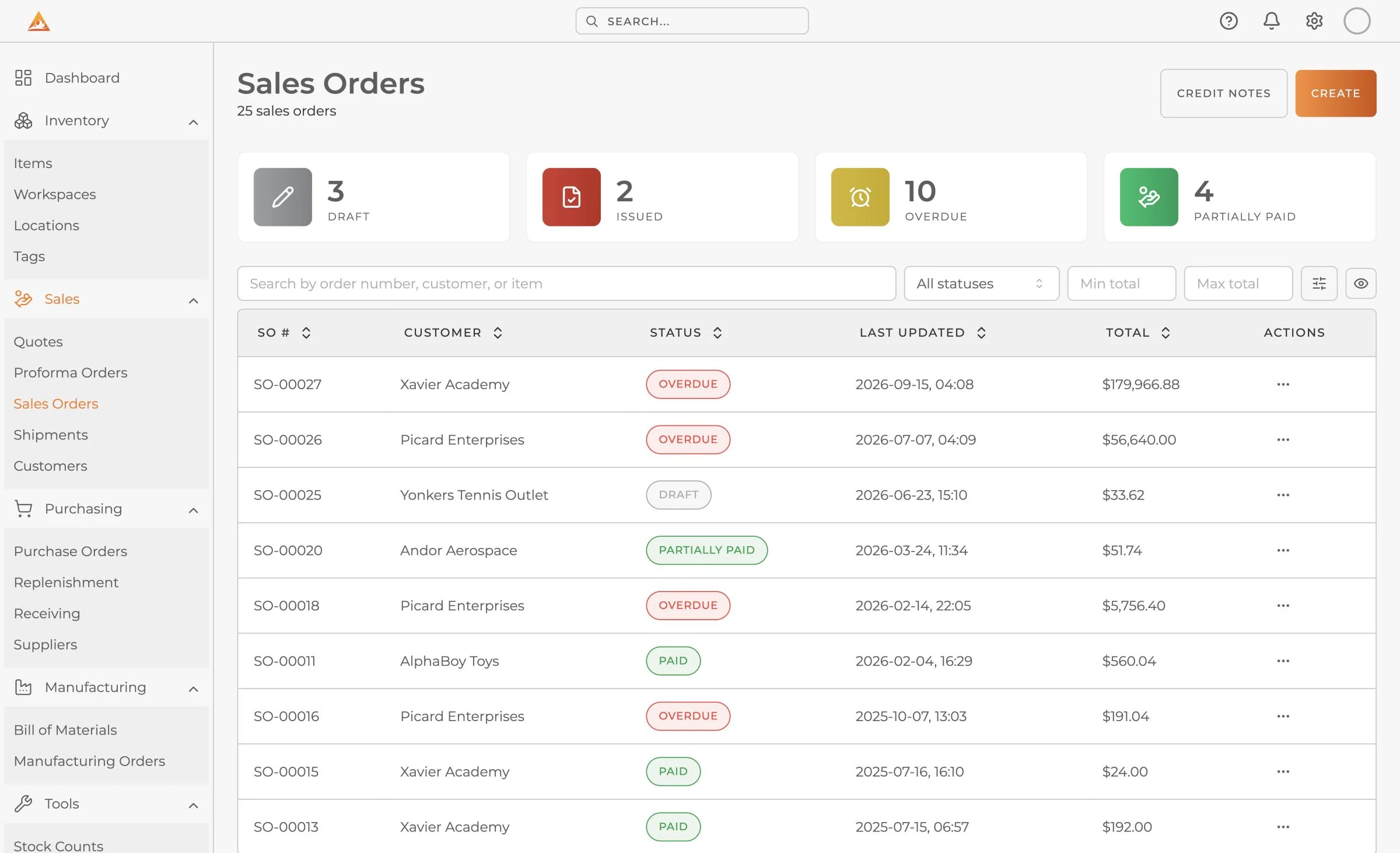
Your books track the money. Something has to run the stock.
Accounting software records the value of what you hold. Running the stock itself is a different job.
Stock in more than one place
Which shelf, which warehouse, what is reserved for an order and what is on its way. That lives in a spreadsheet next to the ledger, and the two drift apart.
Buying and receiving
Reorder points, partial deliveries and supplier price lists are managed by hand, then typed into the books a second time.
Building what you sell
Bills of materials and builds that use component stock need an inventory system. Your books only need the cost.
Connect once. Work in one place.
Connect your books
Sign in to QuickBooks Online or Xero from AssetBlaze and approve the connection. Your accounting setup stays as it is.
Records go to your books
Customers, vendors, items, invoices, bills and journal entries go from AssetBlaze to QuickBooks Online or Xero, so nobody retypes them.
Payments come back
Invoice payments entered in your books come back to the order in AssetBlaze, so the warehouse and your accountant see the same status.
Why teams add AssetBlaze to their accounting
No double entry
Orders and invoices are entered once, in the system that also moves the stock.
Cost from the shelf
FIFO, LIFO or weighted average costing per item, so the cost of what you sold is the cost of what actually left the shelf.
Your accountant keeps their tools
The books stay in QuickBooks Online or Xero. Nothing about the chart of accounts or month end has to change.
Running in 48 hours
Send us your item list in whatever shape it is in, and we load items, quantities, locations and suppliers for you.
Questions buyers ask
Keep your books. Fix your stock.
Start on the free plan, or send us your item list and we load it within 48 hours.
Free plan available · No credit card required · Cancel anytime

